

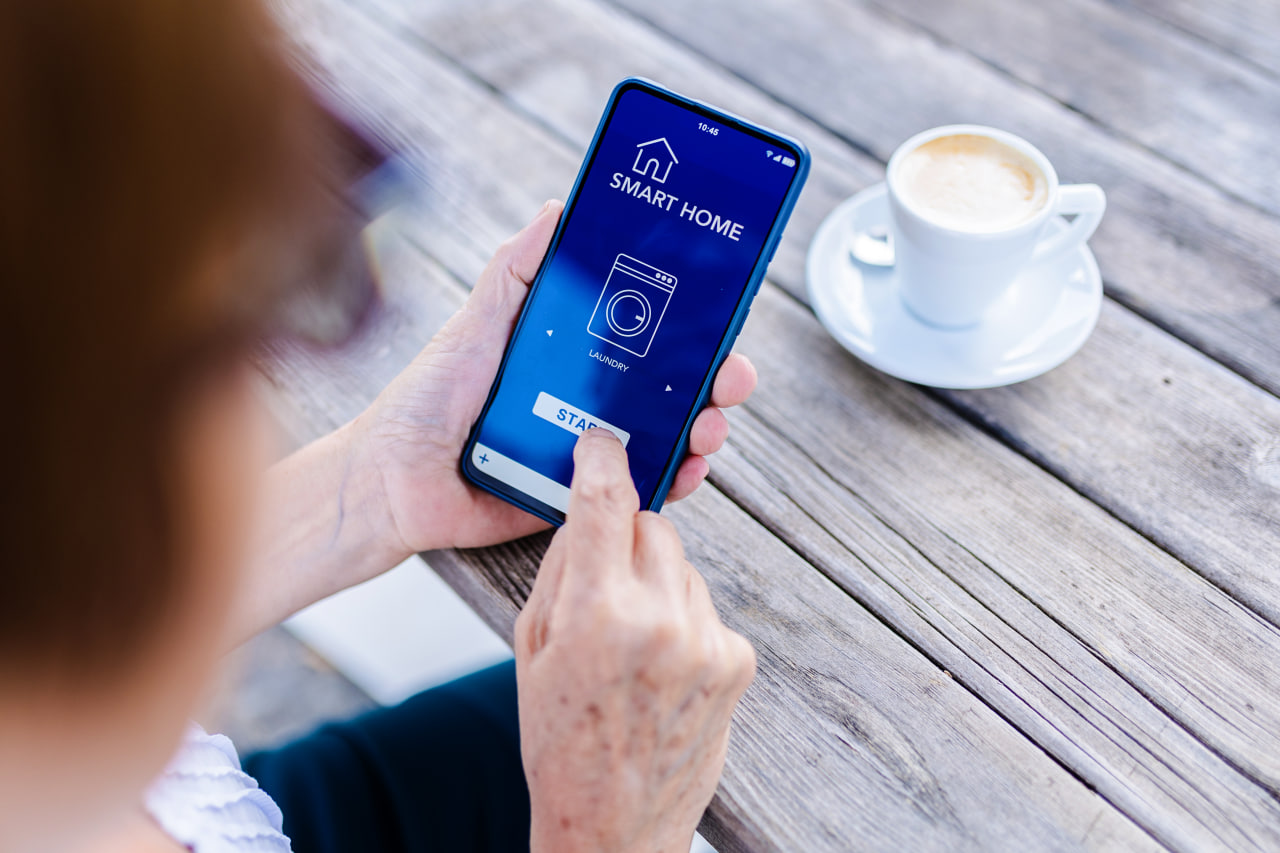
The moving truck is pulling out of your new driveway. It’s been a long day. You reach for your phone to pull up the Ring app, just to check what the new front porch looks like from inside the camera feed.
The view that comes up is still showing your old front door.
The Nest thermostat on the hallway wall is blinking through a first-time setup screen. Your daughter asks, “What’s the Wi-Fi?” You don’t have an answer yet.
Your furniture is here. Your boxes are in the right rooms. But the digital layer that runs your home is still somewhere between the old address and this one: the network, the cameras, the connected devices, the schedules you’ve built up over years.
Smart home setup after moving doesn’t have to work this way.
What’s a “Digital Move”?
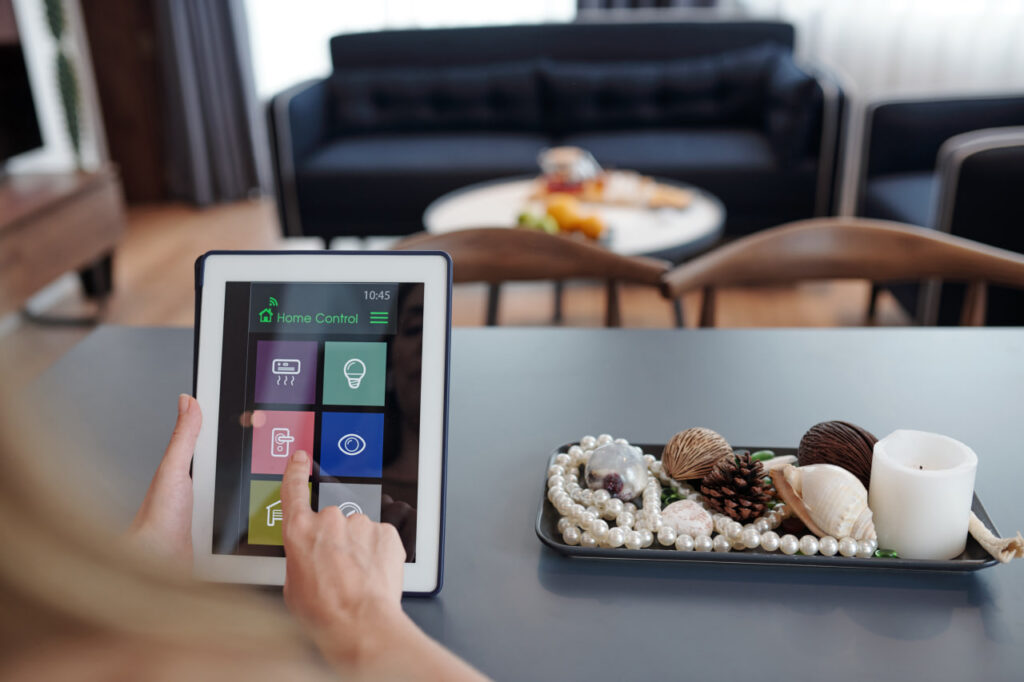
Most people think of moving as a physical event, and it certainly is. The truck comes, the boxes go, the furniture gets placed. But a modern home runs on two layers: a physical one and a digital one. When you move, both need to be transferred.
The physical layer is the part a moving crew handles: furniture, appliances, heirlooms, boxes. The digital layer is everything else: the ecosystem of connected devices, accounts, and automations that makes your home run the way you’ve set it up to run.
Your Ring doorbell has to be deregistered from your old address and reinstalled at the new one. Your Nest thermostat needs to be reset so it can learn your new home’s layout and your schedule. If your smart lock is coming with you, it needs to be wiped and re-paired to your account at the new address. And your internet service, the backbone of all of it, needs to be scheduled and live before any of these devices can go back online.
For most families, this second move gets figured out the hard way: one problem at a time, over the first two weeks. It doesn’t have to be that way.
What Needs to Happen Before the Truck Arrives?
The digital move starts before moving day, sometimes weeks before. A few things that belong on your radar early:
- Schedule your internet installation the same week you book your movers. Most ISPs need 10 to 14 days’ notice at a new address. Request a move-in day window, or the morning before if that’s available. This is the most time-sensitive item on the digital checklist.
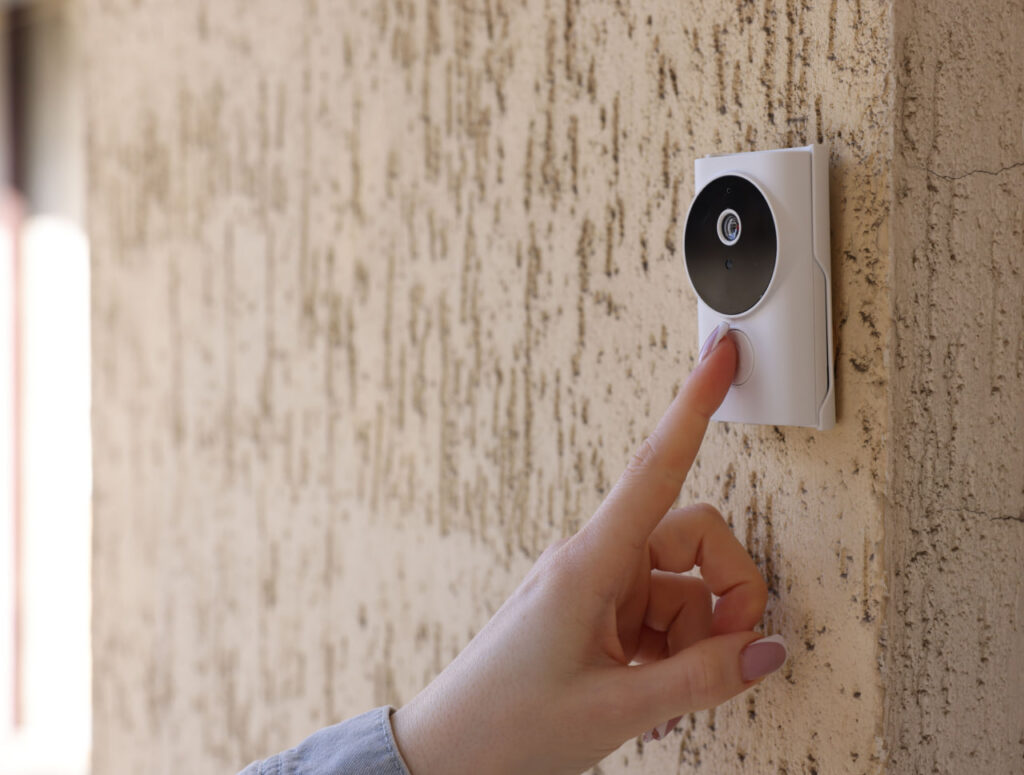
- Deregister your cameras and doorbells from your current address before you hand over keys. A Ring or Nest Cam still registered to a home you no longer own can be a security issue for you and for the new owners.
- Back up your smart home settings. Nest, Ecobee, and most smart thermostat apps let you export your schedule. Save it before you remove the device so you’re not rebuilding from scratch.
- Check your smart lock situation. If the lock is coming with you, wipe it and re-pair it at the new address. If it’s staying, make sure all codes are cleared before closing day.
- Note which devices belong to the house vs. to you. Smart thermostats and portable cameras travel with you. Built-in security systems, hardwired cameras, and smart lighting wired into the walls may be considered part of the home. Confirm this in your sale or rental agreement before moving day.
Your move coordinator can manage logistics and build the timeline. Once they have a clear picture of your tech setup, they build the digital move into your plan alongside the physical one. That way, the details stay on their plate, not yours.
What Needs to Be Timed With the Truck?
This is where the physical move and the digital move intersect, and where the sequencing matters.
A smart thermostat that arrives before the internet can’t connect to complete its setup. A security camera that goes up on night one needs a live network to record anything. A mesh router system packed in a box for three days will likely need a firmware update before it’s stable.
When it comes to a digital move, sequencing is important: internet live first, then devices reconnected in order of priority (security, climate, then everything else).
In a white glove move (also called turnkey or end-to-end moving), your move coordinator builds this into the plan. They know when the ISP appointment is scheduled. They flag devices that need to be remounted or reinstalled (doorbells, cameras, thermostats) so the crew is prepared to handle them on delivery day alongside the physical unload. If you’ve also scheduled a tech installer, your coordinator times their arrival with the crew so you’re not waiting on two separate windows.
Can a White Glove Moving Crew Manage Your Digital Move?
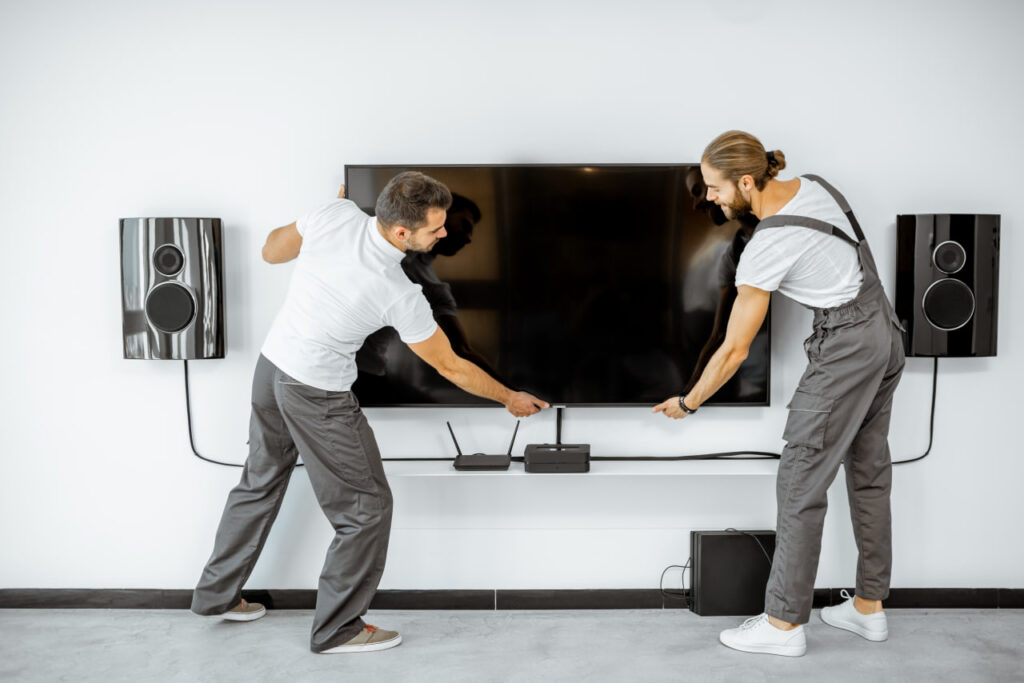
A white glove moving crew (like the team at Scobey) can mount a Ring doorbell at the new address, position your smart thermostat, and reconnect your mesh Wi-Fi system in the rooms where coverage matters most. They can also handle the basic setup of your home theater equipment so your house feels turnkey from the moment you walk in.
It’s not about turning movers into IT technicians. It’s about having an experienced team on-site who understands that getting YOUR home settled means more than just moving boxes from one address to another. A connected home needs a move that accounts for both layers.
What Does Day One Look Like When It’s Done Right?
You walk through the front door. The Ring app shows your new front porch. The Nest is already running the schedule you saved from your old house. The Wi-Fi password is the one you set. Your daughter’s phone connects automatically when she comes in the door.
The first night in a new home is already a lot to process. You shouldn’t have to stress about running firmware updates and reading device setup guides at 10 p.m.
Smart home setup after moving doesn’t have to be a second move you figure out on your own. When the physical and digital moves are planned together, day one looks the way it’s supposed to: like you’re already home.
Ready to plan a move that covers both layers? Get in touch with Scobey Moving & Storage to schedule an in-home or virtual estimate. We’ll walk you through what end-to-end service looks like, from the first box to the last device online.
Frequently Asked Questions
- What smart home devices do I need to deregister before I move?
Any device tied to your home’s address or registered to a fixed location: Ring doorbells and cameras, Nest Cams, smart thermostats, smart locks, and home security systems. Cameras and doorbells especially should be deregistered before you hand over keys to the new owners.
- How early should I schedule internet service at my new home?
Book your ISP appointment the same week you book your movers, ideally 10 to 14 days in advance. Request a move-in day installation, or the morning before if that’s available.
- Can a moving crew help with smart home setup?
With a white glove or end-to-end moving service, yes. Your crew can often mount and reinstall devices like Ring doorbells, Nest thermostats, and security cameras so you’re connected from Day One. Your move coordinator can also schedule a tech installer or electrician alongside the crew so both happen in one planned window.
- What happens to my Nest thermostat when I move?
You can take it with you. Before removing it, export your schedule settings in the Nest app. At the new home, the thermostat can be reinstalled to the existing wiring and your saved preferences restored. But make sure to check the manufacturer’s manual instructions.
- Which smart home devices stay with the house when I sell?
Smart thermostats and portable cameras typically move with the homeowner. Hardwired security cameras, built-in security systems, and smart lighting wired into the home may be considered part of the property. Make sure to confirm this in your sale agreement before moving day.
